10 Free OSINT Tools Every Defence Analyst Should Be Using in 2026
From tracking warships to spotting military aircraft and mapping live conflict zones, these 10 free tools are the core of any serious open-source intelligence workflow in 2026.

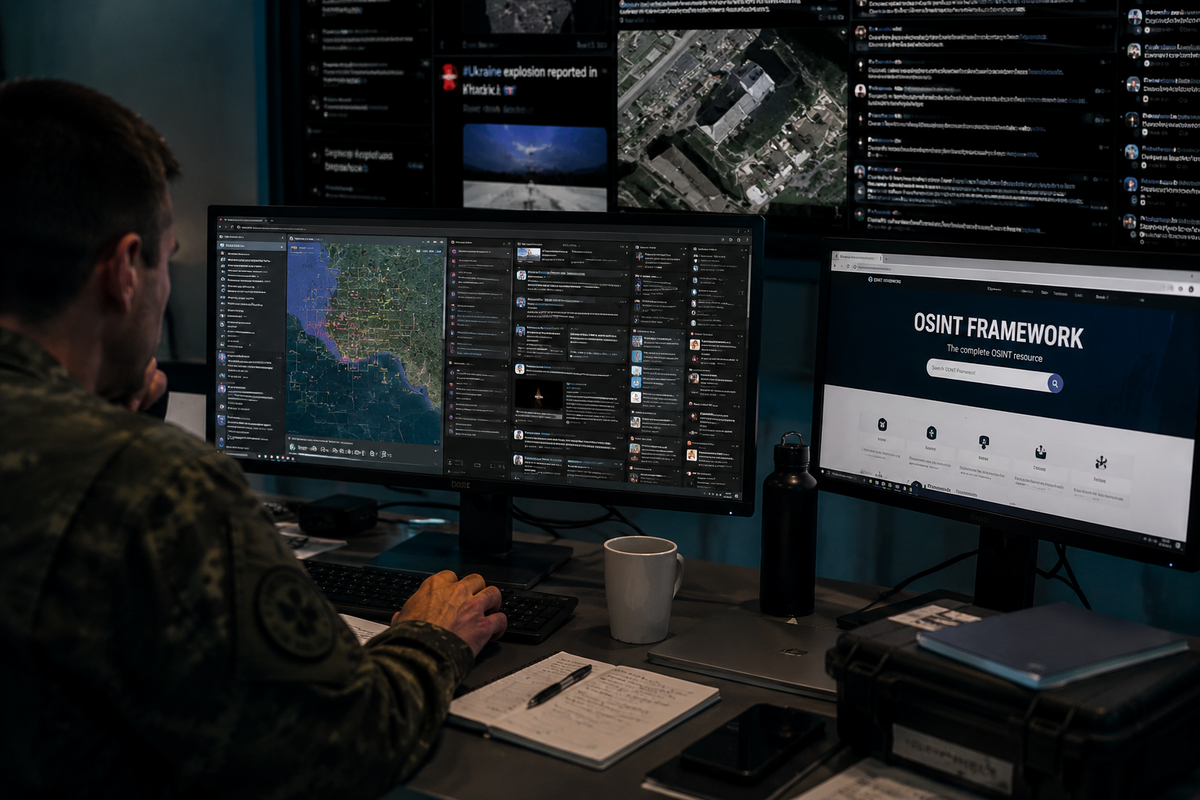
Open-source intelligence has changed who can do serious defence analysis. A decade ago, tracking a Russian transport aircraft's movement toward a conflict zone required satellite access or classified feeds. Today, a researcher with a laptop and a browser can reconstruct the same picture, often in real time, using freely available tools that require nothing more than an internet connection.
This is the toolkit. Not an exhaustive directory of every OSINT platform that exists, but a focused, practical guide to the ten tools that actually appear in the workflows of professional analysts, investigative journalists, and defence researchers. Each one is free, each one is actively maintained, and each one adds something distinct that the others do not.
1. ADS-B Exchange: Unfiltered Military Aircraft Tracking
What it is: A crowdsourced flight tracking platform that aggregates data from a global network of volunteers running ADS-B receivers.
What makes it different: Commercial flight trackers like Flightradar24 comply with government requests to remove or hide specific aircraft, including military jets, government planes, and private operators who pay for anonymity. ADS-B Exchange does not. Its data is unfiltered, which makes it the go-to tool for tracking military and state aircraft that simply do not appear on other platforms.
What you can discover: When Russia's Ilyushin Il-76 military transports were moving toward Ukraine in early 2022, OSINT analysts on ADS-B Exchange were tracking their routes before any official statement confirmed troop movements. The same logic applies today: NATO spy planes operating near conflict zones, government aircraft making unusual trips, tanker and reconnaissance flights that other trackers quietly remove.
How to use it: Filter by aircraft type or military designation directly on the live map. The "military" filter returns only military-registered transponders. Note that many tactical aircraft operate with transponders off, so ADS-B Exchange only shows what is actively broadcasting.
globe.adsbexchange.com
2. MarineTraffic: Real-Time Vessel Tracking
What it is: The largest publicly accessible maritime tracking platform, using Automatic Identification System (AIS) data collected from coastal receiver networks worldwide.
What makes it different: MarineTraffic shows vessel type, flag, speed, heading, last port, and next destination for hundreds of thousands of ships simultaneously. Vessels are colour-coded by type, covering cargo, tanker, naval, and passenger categories, making military and paramilitary maritime movements immediately visible.
What you can discover: Naval deployments, vessel transfers between fleets, tankers connected to sanctions evasion networks, and the port movements of vessels under arms embargo. Analysts have used MarineTraffic to track ships later implicated in arms transfers, identify Russian shadow fleet tankers operating under flag-of-convenience registrations, and reconstruct the logistical flows supporting active conflicts.
How to use it: Search by vessel name, MMSI number, or IMO number. The free tier shows live positions and current voyage data. For historical tracks, combine with Global Fishing Watch (Tool 3 below).
marinetraffic.com
3. Global Fishing Watch: Dark Vessels and AIS Gaps
What it is: Originally built to track illegal fishing, Global Fishing Watch has become one of the most powerful free tools for maritime OSINT, particularly for identifying vessels that deliberately disable their AIS transponders.
What makes it different: When a ship goes dark by turning off its AIS, it disappears from MarineTraffic. Global Fishing Watch uses satellite-detected radar and optical imagery alongside AIS data to detect vessels even when they are not broadcasting. The platform flags ships with suspicious behaviour patterns: sudden AIS gaps in sanctioned waters, rendezvous with other vessels at sea, or unusual course diversions.
What you can discover: Russia's shadow fleet, the network of ageing tankers moving sanctioned oil to buyers in Asia and the Middle East, has been extensively documented using Global Fishing Watch. In 2025, the platform integrated Planet Labs high-resolution imagery directly into its interface, making it possible to see vessels as small as three metres operating in coastal waters. For anyone investigating sanctions evasion, arms transfers, or illegal resupply operations, this tool is now essential.
How to use it: Create a free account, then search by vessel identifier or browse the map. The vessel activity layer highlights AIS gaps and rendezvous events automatically.
globalfishingwatch.org
4. Sentinel Hub: Free Satellite Imagery on Demand
What it is: A browser-based platform providing free access to Copernicus Sentinel-2 and Landsat satellite imagery, updated every few days across the entire planet.
What makes it different: Unlike Google Earth, which provides historical snapshots at irregular intervals, Sentinel Hub offers a structured timeline. Pull up any location on Earth and step through satellite imagery day by day across the past several years. The resolution of 10 metres per pixel for Sentinel-2 is sufficient to identify vehicle concentrations, building construction, runway activity, and large-scale terrain changes.
What you can discover: Military base expansion, new construction at weapons facilities, pre-attack staging areas, post-strike damage assessment, and infrastructure changes in conflict zones. The tool was widely used during the early stages of the Russia-Ukraine war to document Russian force buildups before official confirmation. In the Western Balkans, Sentinel Hub is useful for monitoring border infrastructure, military exercise staging areas, and industrial facility changes relevant to defence production.
How to use it: Use the EO Browser interface at apps.sentinel-hub.com. Select your area of interest, choose the date range, and compare imagery across time using the split-screen or animation function.
apps.sentinel-hub.com
5. Liveuamap: Live Conflict Mapping
What it is: An interactive map platform aggregating real-time reports from news sources, social media, and direct submissions across active conflict zones worldwide.
What makes it different: Liveuamap is not just a Ukraine monitor. It maintains dedicated regional maps for the Middle East, the Caucasus, the Sahel, and other active theatres. Each event pin is sourced and timestamped, making it possible to track how a situation evolves across hours or days. For analysts covering the Western Balkans or CEE, the platform's European coverage provides a baseline for monitoring unusual activity.
What you can discover: Real-time strike reports, troop movement confirmations, air defence activity, infrastructure attacks, and protest or civil unrest events. During active operations, Liveuamap is typically one of the first platforms to aggregate confirmed ground-level reports, often ahead of official press statements.
How to use it: Use the filter panel to select event type (airstrikes, artillery, drone attacks) and time window. Cross-reference any single report with at least one other source before treating it as confirmed.
liveuamap.com
6. Polyglobe: The All-in-One Intelligence Dashboard
What it is: A live 3D globe-based platform that layers multiple intelligence feeds simultaneously, including conflict events, military base data, naval fleet positions, thermal anomalies, and live Polymarket prediction market odds placed geographically.
What makes it different: Most OSINT workflows require switching between a dozen separate tabs. Polyglobe attempts to collapse that into a single composable interface. Layers can be toggled independently, allowing an analyst to overlay live conflict events with thermal anomalies and nearby naval positioning in a single viewport.
What you can discover: Early warning signals for escalation, alignment between financial market sentiment and geopolitical events, naval force posture relative to active flashpoints, and thermal anomaly detection that can indicate industrial fires, weapons depot explosions, or active strikes.
How to use it: Fully free with no account required at pizzint.watch/polyglobe. Start with two or three layers relevant to your region of interest and add complexity gradually. The interface becomes difficult to read with all layers active simultaneously.
pizzint.watch/polyglobe
7. OpenSky Network: Academic-Grade Flight Data
What it is: A non-profit, community-run ADS-B data network maintained by researchers and contributors across Europe and beyond. Unlike ADS-B Exchange, OpenSky is primarily oriented toward analytical and research use cases rather than live monitoring.
What makes it different: OpenSky's key advantage is its historical data archive, now exceeding four trillion stored air traffic control messages, freely accessible via API. For analysts who need to reconstruct the movement history of a specific aircraft over days, weeks, or months, this archive has no free equivalent.
What you can discover: Historical flight patterns of state aircraft, documented behaviour of reconnaissance platforms over time, and the movement records of specific tail numbers relevant to investigations. OpenSky has been used in academic research on military ADS-B behaviour and in investigative journalism to document government aircraft activity.
How to use it: The live map is available without registration. API access for historical data requires a free account. For bulk queries, OpenSky provides Python and REST interfaces.
opensky-network.org
8. Flightradar24: The Accessible Starting Point
What it is: The world's most widely used flight tracking platform, with an intuitive interface and broad coverage.
What makes it different from ADS-B Exchange: Flightradar24 does comply with some government removal requests, meaning certain military aircraft disappear from its map. For the vast majority of OSINT work, however, tracking commercial aircraft, monitoring unusual flight patterns, identifying aircraft types, and understanding general air traffic in a region, Flightradar24 remains the fastest and most accessible entry point. Its mobile app makes real-time monitoring straightforward from anywhere.
What you can discover: Diplomatic flights, unusual routing of cargo aircraft, aircraft types operating in or near conflict zones, and the general air traffic context around a developing situation. Many publicly significant events, from political delegations to humanitarian flights, leave a clear trace on Flightradar24.
How to use it: The free tier is sufficient for most OSINT purposes. Filter by aircraft type, airline, or draw a custom area to monitor all flights within a specific geographic box.
flightradar24.com
9. Google Earth Pro: Historical Imagery and Change Detection
What it is: The desktop and browser-based mapping platform that remains the backbone of geospatial OSINT work for most analysts.
What makes it different: Google Earth Pro's historical imagery slider is unmatched for change detection over time. Users can step back through years of satellite imagery for any location on Earth, identifying precisely when a change occurred, whether that is new construction at a military base, cleared terrain ahead of an exercise, or infrastructure damage following a strike.
What you can discover: Long-term military infrastructure development, construction timelines of new facilities, pre- and post-event comparison for any geolocated incident, and terrain analysis for operational planning contexts. For the Western Balkans and CEE, Google Earth Pro is particularly useful for monitoring border fortifications, military depot expansion, and industrial facility changes relevant to regional defence production.
How to use it: Download Google Earth Pro (free) for the full historical imagery feature. The clock icon on the toolbar activates the historical slider. For best results, combine with Sentinel Hub for more recent and regularly updated imagery.
earth.google.com
10. ACLED: Armed Conflict Location and Event Data
What it is: The Armed Conflict Location and Event Data project, a non-profit research organisation that has been systematically coding, mapping, and publishing data on political violence and conflict events worldwide since 2010.
What makes it different: Unlike live map platforms that aggregate raw reports, ACLED applies a standardised coding methodology to every event it records, covering actor names, event type, fatalities, and precise coordinates. This makes its dataset directly usable for quantitative analysis, trend identification, and comparative research across regions and time periods.
What you can discover: Conflict trend analysis for any country or sub-region, actor network mapping showing who is fighting whom and where, long-term escalation patterns, and the data foundation for assessing whether a current situation represents a genuine departure from historical baseline. For analysts covering the Western Balkans, ACLED's dataset covers the full post-Yugoslav conflict period, providing historical depth that no live platform can match.
How to use it: Free data export for journalists, researchers, and non-commercial users after registration. The online explorer allows geographic and temporal filtering without downloading. The API enables direct integration into analytical workflows.
acleddata.com
Using These Tools Together
No single tool gives the full picture. The real power of open-source intelligence comes from triangulation: combining flight tracking data with satellite imagery, mapping reported incidents against vessel positions, and checking current events against long-term trend data.
A practical starting workflow for any developing situation in the region: open Liveuamap for immediate event reports, cross-reference with ADS-B Exchange for unusual air activity, check MarineTraffic for relevant maritime movements, and pull Sentinel Hub imagery for the affected area within 48 hours to establish a baseline for change detection.
The barrier to entry for serious defence analysis has never been lower. These ten tools represent the current state of what is freely available, and the standard has risen considerably since the open-source community began applying them systematically in 2022.
Frequently asked questions
What is the best tool to conduct open-source intelligence on military movements? No single platform covers every domain. ADS-B Exchange is the standard for tracking military aircraft that other flight trackers filter out, MarineTraffic and Global Fishing Watch cover naval and maritime movements, and Sentinel Hub provides the satellite imagery needed to confirm what those tracking tools suggest on the ground.
What are the best platforms for using open-source intelligence to monitor military and naval threats? For maritime-specific monitoring, MarineTraffic gives real-time vessel positions and Global Fishing Watch adds detection of vessels that have disabled their AIS transponders, which is often where the more sensitive naval and shadow fleet activity actually shows up.
What tools can analyze global military movements in real time? Liveuamap aggregates real-time, sourced event reports across active conflict zones worldwide, while ADS-B Exchange and MarineTraffic provide the underlying air and sea tracking data to confirm or investigate those reports as they emerge.
Are there free tools that provide real-time insights on military activity using open-source data? Yes. All ten tools in this guide are free. Liveuamap, ADS-B Exchange, and MarineTraffic update continuously, while Sentinel Hub and Google Earth Pro add the historical and satellite context that real-time platforms alone cannot provide.
© Adria Defense. Reproduction or redistribution of this content, in whole or in part, requires prior written permission and full attribution to adriadefense.com with a direct link to the original article.